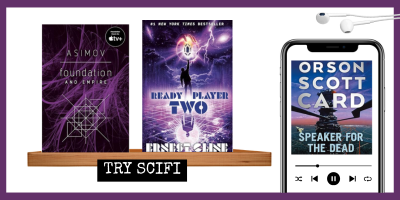
I’ve seen lots of creative teacher signatures over the years, including “what I’m reading” and favorite quotes. So I decided to make my own visual version this year for my students and I’d love to share it with you.
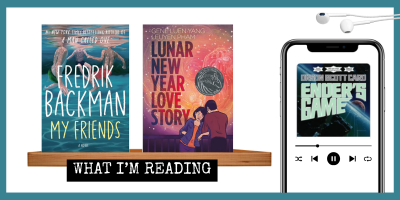
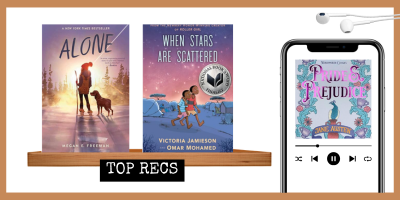
You can customize the colors, books (use screenshots like these from Amazon), fonts, etc. in this signature, and even the label on the shelf.
Click here to access the template on Canva.
Try “What I’m Reading,” “Senior Favorites,” “The Book was Better than the Movie,” “Recs for Break,” etc.

Once you’re happy with your image, go to the settings of your gmail.
Scroll down to the signature section, and name a new one something like “Reading Recs.”
In the window to the right, you can design this signature, adding text, your image, and whatever else you want.
Next, click to select whether this signature goes out on every email, just on new emails, also on replies, etc.
Scroll to the bottom and hit “Save” and you’re set! Don’t forget to update it now and then with your latest reads and recs.
See it on Video
For a quick video on how to do this, check out this walkthrough on Instagram.